Choosing the right internet connection for your New Jersey home can feel like a big decision, especially if you live in a rural or suburban area where options have historically been limited. Fiber internet is changing that landscape, delivering speeds and reliability that cable and DSL simply cannot match. This guide walks you through everything you need to know about fiber internet in New Jersey, from how the technology works to what it means for your streaming, smart home devices, and remote work setup.
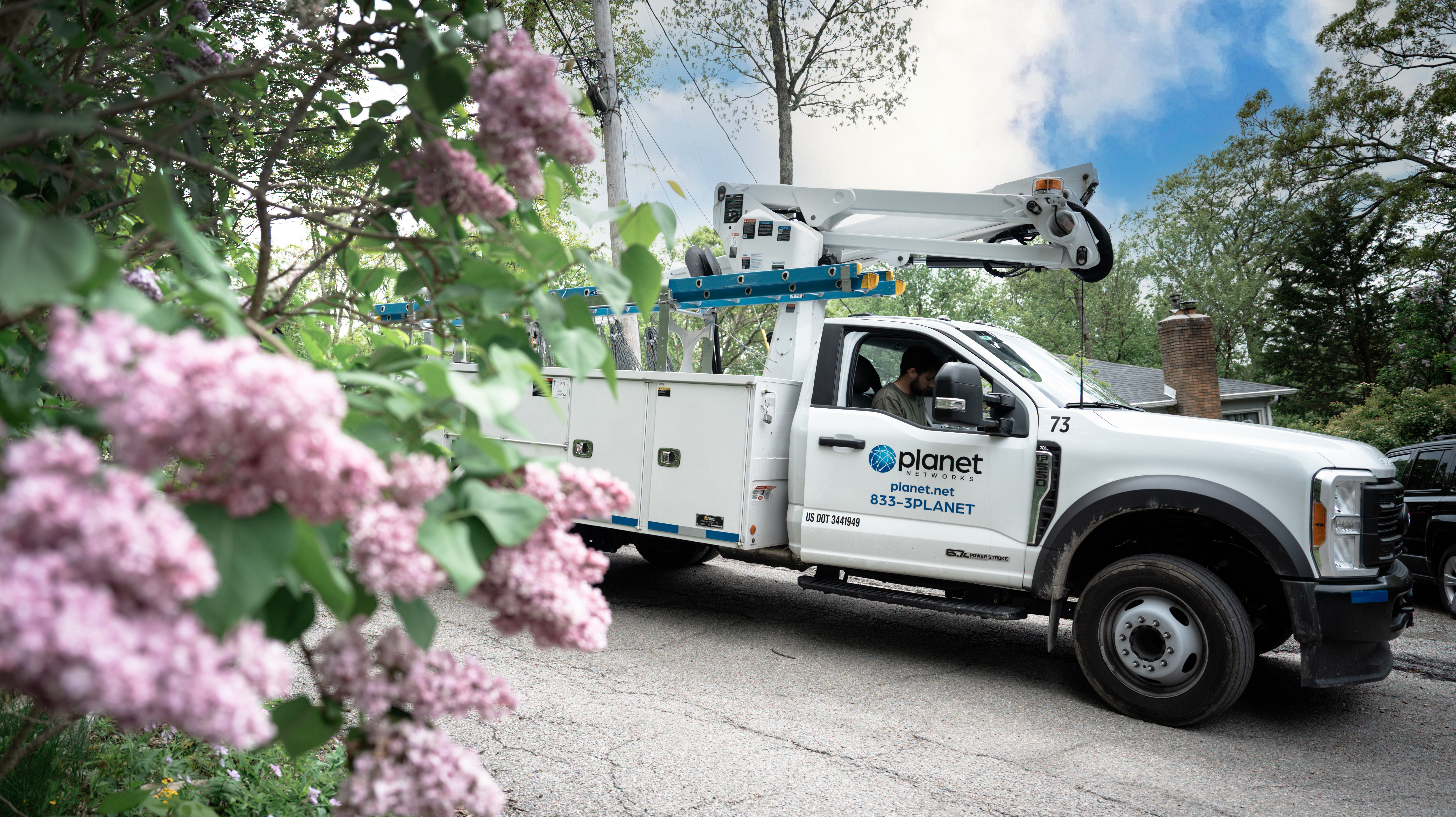
By the end, you will understand the key factors that separate fiber from older connection types, know which speed tier fits your household, and have a clear framework for evaluating any provider that serves your neighborhood. Planet Networks, a fiber provider headquartered right here in Rockaway, New Jersey, builds its 100% fiber network into communities across the state, so many of the real-world examples in this guide reflect that local experience.
Key Takeaways: A Beginner's Guide to New Jersey Fiber Internet
- Fiber internet transmits data as pulses of light through glass strands, delivering symmetrical upload and download speeds that outperform cable and DSL.
- New Jersey households need at least 100 Mbps for basic use, while smart homes and remote workers benefit from 500 Mbps or higher.
- Rural and suburban New Jersey communities are gaining fiber access faster than ever thanks to state and federal broadband expansion programs.
- Planet Networks offers speeds from 250 Mbps to 5 Gig with no contracts, no data caps, and straightforward pricing on a 100% fiber network.
- Evaluating a fiber provider means looking beyond headline speed at factors like symmetrical uploads, local support, installation timelines, and transparent billing.
What Is Fiber Internet and How Does It Work?
Fiber internet sends data as pulses of light through thin glass or plastic strands called optical fibers. Each strand is roughly the diameter of a human hair, yet it can carry enormous amounts of information over long distances without signal degradation.
Traditional cable connections rely on coaxial copper lines, which were originally designed for television signals. DSL runs over telephone wiring. Both technologies lose signal strength the farther you are from the provider's nearest hub. Fiber does not have that distance limitation, which is one reason it performs so well in spread-out rural areas.
A fiber connection terminates at an Optical Network Terminal (ONT) installed at your home. The ONT converts the light signal into an electrical signal your router can distribute over Wi-Fi or Ethernet. From there, every device in your house connects the same way it would with any other internet type.
Why Does Fiber Internet Matter for New Jersey Residents?
New Jersey is one of the most densely populated states in the country, yet large portions of its western and northern counties have historically lacked high-speed broadband. Towns in Sussex, Warren, Morris, and Passaic counties often had to choose between slow DSL or a single cable provider with limited upload speeds.
Fiber changes that equation. A single fiber line can support gigabit speeds in both directions. That means the file you upload to a cloud drive moves just as fast as the movie you stream. For households where multiple people work, learn, and play online simultaneously, that symmetrical performance is a game changer.
According to the New Jersey Board of Public Utilities, the state received federal approval for a $62 million BEAD award in December 2025 to expand broadband access to unserved and underserved areas. Construction projects tied to that funding are expected to begin in early 2026, further accelerating fiber availability statewide.
Fiber vs. Cable vs. DSL: How Do They Compare?
Understanding the differences between connection types helps you make an informed choice. Here is a side-by-side look at the three most common residential internet technologies.
| Feature | Fiber | Cable | DSL |
|---|---|---|---|
| Download Speed Range | 100 Mbps to 10 Gbps | 25 Mbps to 1.2 Gbps | 1 Mbps to 100 Mbps |
| Upload Speed Range | 100 Mbps to 10 Gbps | 5 Mbps to 50 Mbps | 1 Mbps to 10 Mbps |
| Symmetrical Speeds | Yes | No | No |
| Signal Degradation Over Distance | Minimal | Moderate | Significant |
| Susceptibility to Weather | Low | Moderate | Moderate to High |
| Typical Latency | 1 to 10 ms | 15 to 35 ms | 25 to 50+ ms |
The standout advantage of fiber is symmetrical speed. Cable providers typically advertise fast downloads, but upload speeds are a fraction of that number. If you regularly upload large files, participate in video calls, or back up data to the cloud, those slow uploads create noticeable bottlenecks.
Latency is another area where fiber pulls ahead. Lower latency means faster response times for real-time applications like video conferencing, online gaming, and smart home commands. A fiber connection with 5 ms latency will feel noticeably snappier than a cable connection at 30 ms.
What Internet Speed Do You Need for Your Household?
Speed requirements depend on how many people and devices share your connection and what activities happen simultaneously. Here is a general framework to help you estimate.
Light Usage: 1 to 3 Devices
If your household consists of one or two people who browse the web, check email, and stream one show at a time, a plan in the 100 to 250 Mbps range will cover your needs comfortably. This tier is also sufficient for a few basic smart home devices like a doorbell camera and a smart thermostat.
Moderate Usage: 4 to 10 Devices
Families with children attending virtual classes, adults working from home, and a handful of smart devices should look at 500 Mbps or higher. Video conferencing tools like Zoom and Microsoft Teams consume 3 to 8 Mbps per session, and those numbers add up quickly when two or three calls run at the same time.
Heavy Usage: 10+ Devices
Households running a full smart home ecosystem, streaming 4K content on multiple screens, gaming online, and transferring large files benefit from gigabit speeds or above. A 1 Gig plan handles these demands with room to spare, and a 2.5 Gig or 5 Gig plan future-proofs your home as devices and applications become more bandwidth-hungry.
How Fiber Internet Supports Smart Home Devices
Smart homes rely on a constant, stable internet connection. Every smart speaker, security camera, robotic vacuum, and connected appliance maintains a persistent link to the cloud. When dozens of these devices share a single network, even small interruptions cause cascading issues like missed motion alerts or delayed voice commands.
Fiber handles this load well for two reasons. First, its symmetrical upload speed ensures that cameras streaming footage to cloud storage do not compete with your download-heavy activities. Second, fiber's low latency means commands sent from your phone to a smart lock or lighting system execute almost instantly.
Planet Networks includes whole-home mesh Wi-Fi at no additional charge with its residential fiber plans. That mesh system ensures consistent coverage from the basement to the attic, so your smart devices maintain strong connections regardless of where they are installed in your home.
Why Fiber Internet Is Ideal for Remote Work
Remote work depends on two things above all else: upload speed and consistency. A video call where your image freezes or your voice cuts out can derail a client meeting in seconds. Large file uploads that crawl along waste productive hours every week.
Fiber addresses both issues. With symmetrical speeds, your upstream bandwidth matches your downstream bandwidth. A 1 Gig fiber plan gives you 1,000 Mbps both ways. That means screen sharing, uploading presentations, and pushing code to repositories happens at the same pace as downloading.
Consistency matters too. Cable networks share bandwidth among neighbors on the same node. During peak evening hours, you may notice slower speeds as more people come online. Fiber connections are dedicated, so your speed stays steady at 8 a.m. or 8 p.m.
How Fiber Internet Improves Streaming Quality
Streaming a movie in 4K resolution requires roughly 25 Mbps per stream. That sounds modest until you account for multiple TVs, tablets, and phones pulling content at the same time. A family of four could easily consume 100 Mbps just on streaming alone.
Fiber gives you generous headroom. A 500 Mbps plan supports five simultaneous 4K streams with bandwidth left over for every other device in the house. And because fiber rarely experiences the congestion spikes common on cable networks, your picture stays sharp and your stream stays buffer-free.
Planet Networks customers can pair their fiber connection with popular streaming services like YouTube TV, Hulu + Live TV, Sling TV, and others to replace traditional cable television. That combination of fast fiber and an over-the-top streaming service often delivers a better viewing experience at a lower monthly cost than a bundled cable package.
What to Look for When Choosing a Fiber Provider
Not all fiber providers operate the same way. Here are the key factors to evaluate before signing up.
Is the Network 100% Fiber?
Some providers advertise fiber internet but use fiber only for part of the route. The last stretch to your home may still run over copper coaxial cable. This "fiber to the node" approach limits your upload speeds and introduces the same distance-related signal loss that pure fiber avoids. Ask whether the connection is fiber all the way to your home, often called FTTH or FTTP.
Are Speeds Symmetrical?
Symmetrical speeds mean your upload rate matches your download rate. This matters for video calls, cloud backups, home security cameras, and anyone who creates or shares content online. If a provider lists different download and upload numbers, the connection is not truly symmetrical.
What Are the Contract Terms?
Long-term contracts with early termination fees lock you in even if your experience is poor. Look for month-to-month options with no cancellation penalties. Planet Networks, for example, offers its residential fiber plans with no contracts and no data caps, so you are never locked into a commitment that does not serve you.
Is Pricing Transparent?
Watch for introductory rates that jump after a promotional period, equipment rental charges, and vaguely described "fees" on your bill. Transparent pricing means the price you see at sign-up is the price you pay every month. Check the provider's broadband facts disclosure for a clear breakdown of what your bill includes.
How Fast Is Installation?
Some providers quote installation windows of several weeks. Others, like Planet Networks, typically complete installation in as few as seven days from your order. Faster installation means less time waiting and more time connected.
How Is Fiber Internet Expanding Across New Jersey?
New Jersey has been investing heavily in broadband expansion. The state's Broadband Infrastructure Deployment Equity (NJBIDE) program allocated $40 million to bring fiber connectivity to rural and underserved communities. Federal BEAD funding adds another $62 million, with deployment beginning in 2026.
These programs focus on areas where residents currently lack access to connections meeting the federal broadband standard of 100 Mbps download and 20 Mbps upload. Many towns in Sussex, Warren, and Salem counties are prioritized under these initiatives.
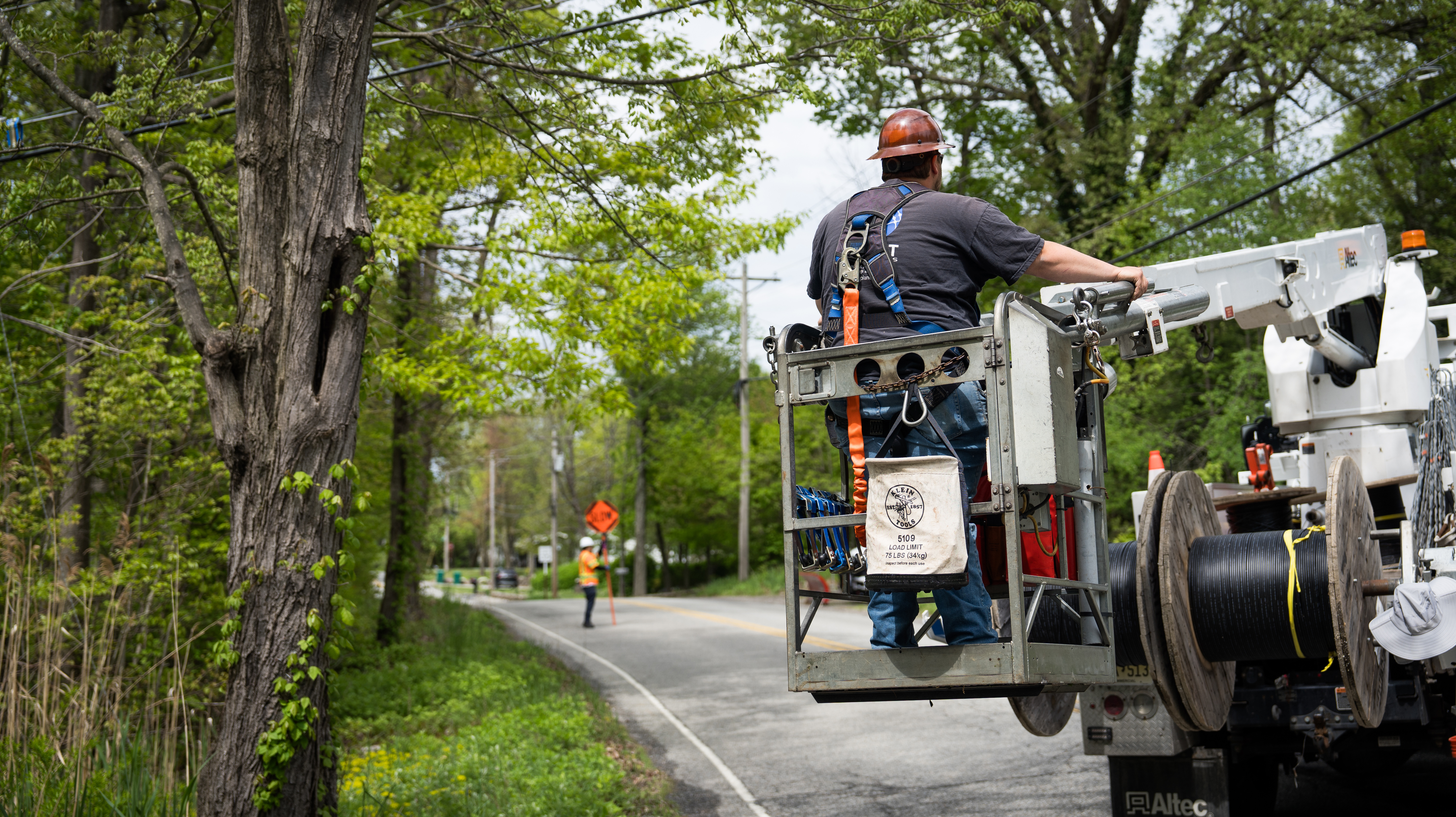
Private providers are building simultaneously. Planet Networks has expanded its fiber footprint to over 2,000 miles of installed fiber, covering communities across northwestern New Jersey and beyond. The company gained right-of-way approval in more than 55 municipalities and continues to extend its network into new neighborhoods each year.
How to Check if Fiber Internet Is Available at Your Address
Availability varies street by street, especially in areas where fiber construction is still in progress. Here is how to find out whether you can get connected.
Step 1: Use Your Provider's Online Address Checker
Most fiber providers offer a tool on their website where you enter your address and see whether service is available. Planet Networks has an availability checker on its residential page that shows current coverage and speed options for your specific location.
Step 2: Check State Broadband Maps
The New Jersey Office of Broadband Connectivity publishes coverage maps that show which areas have fiber, cable, or DSL service. These maps are updated periodically and can help you understand what is available and what is coming soon.
Step 3: Register Interest if Fiber Is Not Yet Available
If fiber has not reached your address, many providers let you register your interest. That data helps them prioritize which neighborhoods to build next. Signing up for notifications ensures you hear about new availability as soon as construction reaches your area.
How to Get the Most Out of Your Fiber Connection
Once fiber is installed, a few simple steps help you maximize performance.
Position Your Router Centrally
Wi-Fi signals weaken as they pass through walls and floors. Placing your router in a central location improves coverage. If your home has multiple levels or thick walls, a mesh Wi-Fi system extends the signal to every room without dead spots.
Use Ethernet for Stationary Devices
Desktop computers, gaming consoles, and smart TVs that do not move benefit from a direct Ethernet connection. Wired connections bypass Wi-Fi congestion entirely, giving you the full speed your fiber plan delivers.
Keep Your Router Firmware Updated
Router manufacturers release firmware updates that fix bugs and improve performance. Check for updates periodically, or choose a provider whose equipment updates automatically. Planet Networks uses Plume-powered mesh routers that receive automatic updates to maintain peak performance and security.
Manage Connected Devices with Parental Controls
If you have children, parental controls let you set content filters, schedule internet access times, and monitor usage by device. These tools help you maintain a safe online environment without manually configuring each device. Planet Networks includes Plume user profile management so you can assign devices to household members and customize access for each person.
What Role Does Local Support Play in Your Internet Experience?
Internet issues rarely happen at a convenient time. When your connection drops during a work presentation or a movie night, you want to reach a real person quickly.
Large national providers often route support calls through multi-layered phone trees. Wait times can stretch past 30 minutes, and the representative you reach may be unfamiliar with infrastructure in your area.
Local providers tend to offer a different experience. Planet Networks employs a local support team with a 4.9-star rating built on hundreds of customer reviews. Because the support staff understands the specific network infrastructure serving your community, troubleshooting is faster and more effective. That local knowledge also means technicians can be dispatched quickly when an on-site visit is needed.
How Planet Networks Connects New Jersey Communities
Planet Networks has been delivering internet service since 1994, starting as a small dial-up provider in Newton, New Jersey. Today, the company operates a 100% fiber network with speeds reaching up to 5 Gig, a 400 Gbps backbone, and terabit-capable infrastructure.
The company's residential plans range from 250 Mbps for basic usage to 5 Gig for power users, all with symmetrical upload and download speeds. Every plan includes free mesh Wi-Fi equipment, free installation, and no contracts, data caps, or equipment rental fees. Over 20,000 customers across New Jersey, Pennsylvania, and New York have made the switch.
For households looking for more than internet, Planet Networks also offers digital voice and VoIP phone service over its fiber network. That integration simplifies billing and ensures your phone service runs on the same reliable fiber backbone as your internet connection.
In Conclusion: How to Choose the Right Fiber Internet Plan for Your New Jersey Home
Selecting a fiber internet plan comes down to matching your household's needs with the right speed tier, verifying that the provider uses true end-to-end fiber, and confirming that pricing is straightforward with no surprise fees. For New Jersey residents in rural and suburban areas, fiber represents a significant upgrade over cable and DSL, both in raw speed and in day-to-day reliability.
Start by assessing how many devices your household runs simultaneously and what activities consume the most bandwidth. Use the provider comparison factors outlined in this guide to evaluate your local options. And if Planet Networks serves your area, checking availability takes just a few seconds.
FAQs About New Jersey Fiber Internet
What makes fiber internet faster than cable or DSL?
Fiber transmits data as light through glass strands, avoiding the electrical resistance that slows copper-based cable and DSL connections. This allows fiber to deliver symmetrical gigabit speeds over long distances without signal loss.
How much speed do I need for a smart home?
A household with 10 or more smart devices, including cameras and smart speakers, should aim for at least 500 Mbps. Planet Networks offers plans up to 5 Gig that keep every connected device running smoothly without bandwidth conflicts.
Is fiber internet available in rural New Jersey?
Yes, and availability is expanding. Federal BEAD funding and the state's NJBIDE program are bringing fiber to underserved areas. Planet Networks actively builds fiber into rural communities across northwestern New Jersey and continues expanding its network.
Do I need a contract to get fiber internet?
Not always. Planet Networks offers all of its residential fiber plans on a month-to-month basis with no contracts and no early termination fees. You stay because the service works for you, not because of a binding agreement.
What equipment do I need for fiber internet?
Your provider installs an Optical Network Terminal (ONT) at your home to convert the fiber signal. You also need a router for Wi-Fi. Planet Networks includes a mesh Wi-Fi system at no extra charge, so you have complete coverage from day one.
Can fiber internet handle multiple video calls at the same time?
Absolutely. Each video call uses 3 to 8 Mbps. A fiber plan with symmetrical speeds of 500 Mbps or more supports dozens of simultaneous calls without degradation. Planet Networks customers benefit from consistent upload speeds that keep every call crisp.
How long does fiber internet installation take?
Installation timelines vary by provider. Planet Networks typically completes residential installations in about seven days from your order. The process includes running fiber to your home, installing the ONT, and setting up your mesh Wi-Fi system.